Deck: The IDE I built because nothing on the market fit
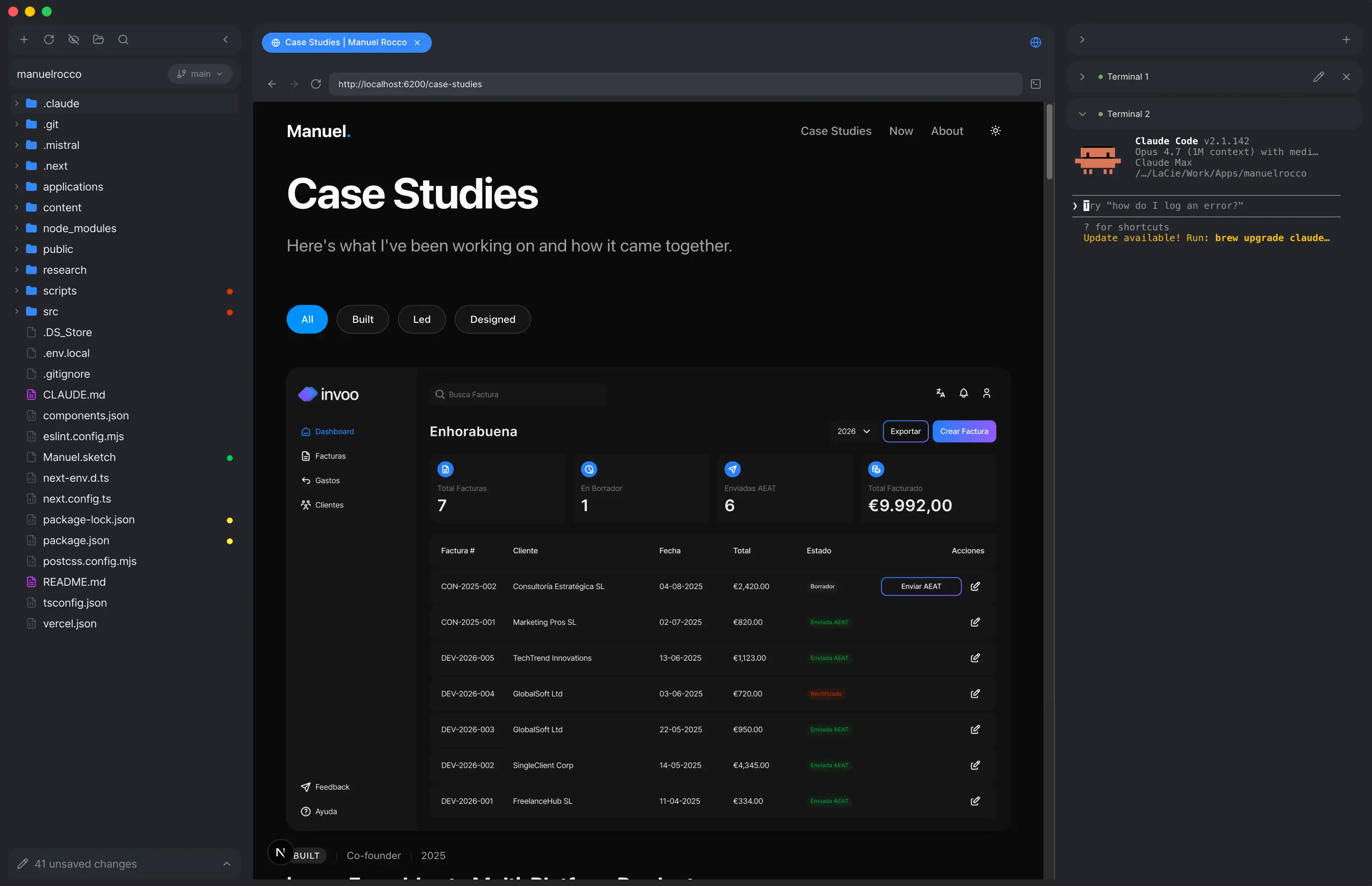
Existing IDEs are either cluttered with dev features I don't use or too heavy on agentic workflow. I wanted something simple: read code files, render Markdown nicely, and run Claude Code in multiple terminals side by side. So I built it. Electron, React, TypeScript, CodeMirror, xterm.js. Actively maintained.
Why This
I wasn't comfortable in any of the IDEs on the market. VS Code and Cursor are cluttered with dev features I never touch. The new agentic editors feel built around the agent, not around me. I wanted something quieter: a clean way to read code, render Markdown nicely, and run Claude Code in multiple terminals side by side. Nothing did exactly that. So I built it.
Root Cause
Two failure modes everywhere I looked. VS Code, JetBrains, and the long-tail pro editors are built around configurability — 10,000 extensions, keybinding modes, panel layouts. Power that costs attention.
Cursor, Windsurf, and the new wave of agentic editors swing the other way. The agent is the product. The interface is built to surface what the agent is doing, not to let you read your own code in peace.
I wanted neither. A quiet editor. A nice Markdown reader. Several terminals open with Claude Code, one per task. That was the whole brief.
Key Bet
Two decisions shaped everything. First, Electron over web. I needed native file system access, a real terminal, and browser previews via WebContentsView (not an iframe with sandboxing issues). Web would have been faster to ship but would have compromised the core experience. A real IDE needs real OS integration.
Second, I chose to build a dual-mode Markdown editor using BlockNote. Most editors force you to choose: raw Markdown or visual editing. I wanted both. Switch between a code view and a Notion-like formatted view seamlessly. That required inventing a sidecar file system where .md.blocknote JSON files preserve rich formatting alongside standard Markdown. It added weeks of complexity, but it means I can keep specs, decisions, and code in the same workspace without switching tools.
“A real IDE needs real OS integration. That ruled out the web from day one.”
How I Built
I built Deck in layers, each one usable on its own. The code editor came first: CodeMirror 6 with syntax highlighting for 15+ languages, code folding, and bracket matching. Then the integrated terminal layer via xterm.js v6, designed to host multiple Claude Code sessions in parallel — one tab per task, no juggling. Browser preview followed, using Electron's WebContentsView to render localhost dev servers without iframe security restrictions.
Git was the hardest layer. I built a simplified UI: a branch switcher, a visual diff viewer, a commit form, and file-explorer badges that surface git status at a glance. Designed to disappear when you're not using it.
What Shipped
Deck is live at getdeck.studio. It does what I wanted: a clean place to read code, write notes, and run a few Claude Code sessions at once.
I ship updates every couple of months.
What I'd Do Differently
The biggest constraint is Electron itself. It runs fine for a single window, but the whole point of Deck is running multiple Claude Code sessions in parallel — and the moment I open three or four windows, the memory footprint and startup time get expensive.
At some point I'll rewrite it in Tauri. Rust runtime, native webviews instead of a bundled Chromium per window, much smaller memory cost per session. The architecture I built is portable enough that it should be a transport swap, not a redesign.
More Case Studies
Explore other projects I've worked on
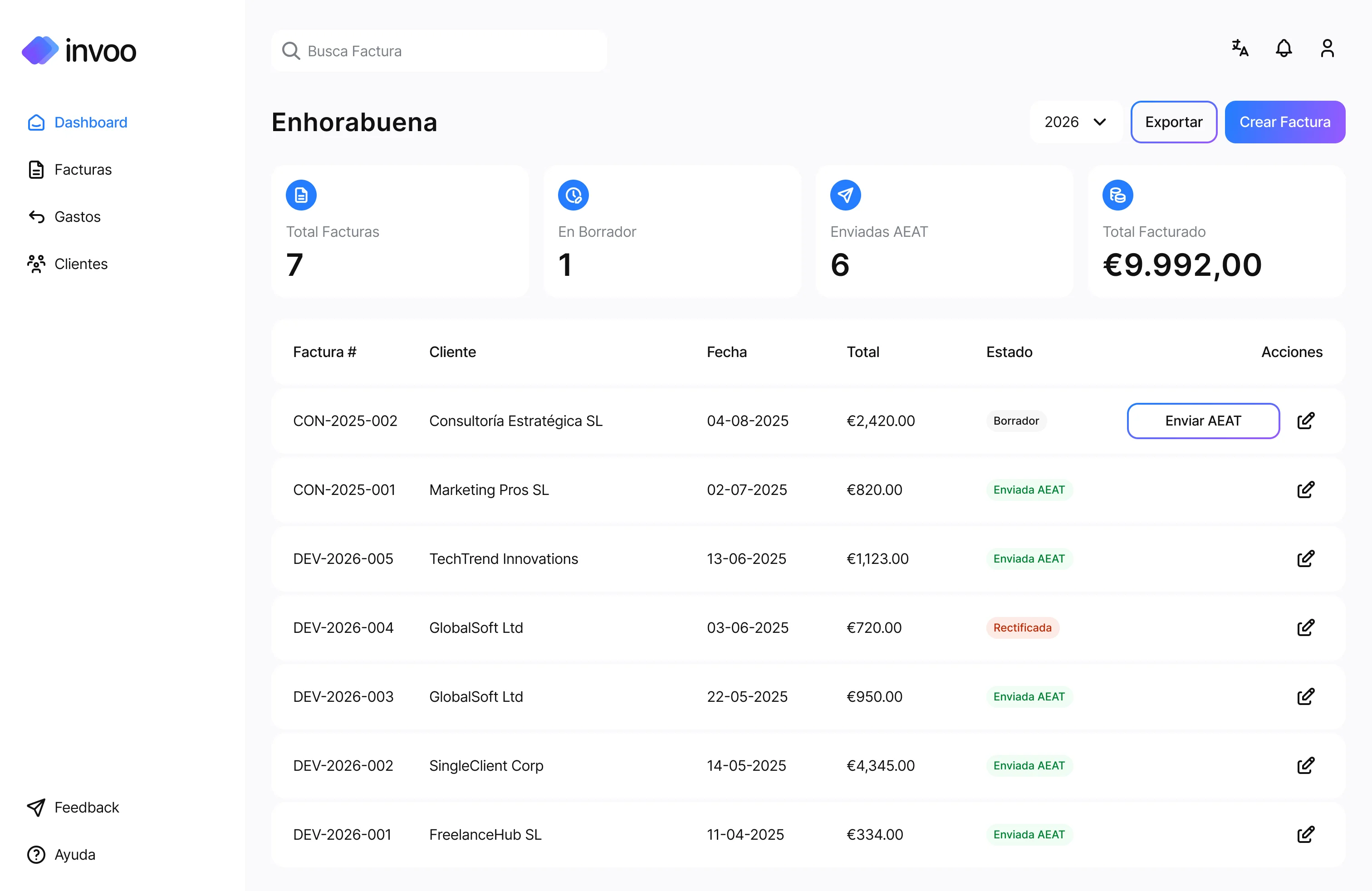
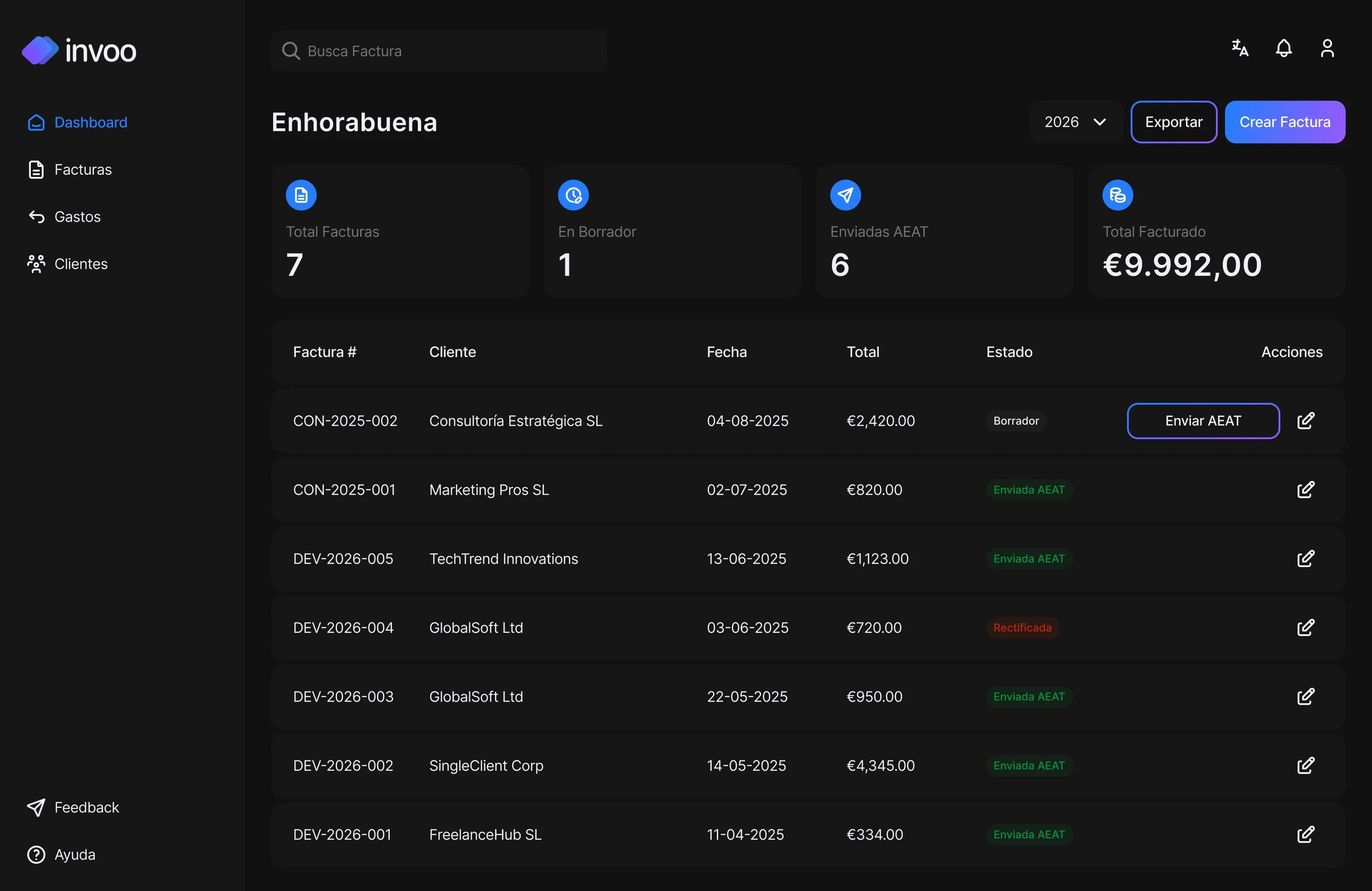
invoo: From Idea to Multi-Platform Product
Co-founded an invoicing tool for Spanish freelancers. Built web and mobile from scratch in 2 months. 150+ waitlist signups, zero ad spend. Launched May 2026, live with the first cohort.


DataCamp Paywall: 50% Conversion Lift From Deleting a Feature
65% of users bounced on a screen before ever seeing the paywall. I deleted it entirely and lifted conversions by 50%.


DataCamp Mobile Home: From Content Overload to 7% Course Lift
I bet that users think in actions, not courses. Restructured the entire home screen around learn/practice/review instead of course types. Bounce rate dropped 10%, course engagement rose 7%.
ai-org: scaffolding I clone into every new project
A reusable Claude Code plugin that ships four portable layers into any repo: agents with a point of view, skills with explicit rules, commands that trigger workflows, and product knowledge the AI can actually read. Running in four of my active projects, plus designers at DataCamp using it to ship code they wouldn't have attempted alone.